AI assistant for interviews
The neural network gives hints during an interview and helps solve a task from the screen. The app is invisible on online calls.
Features

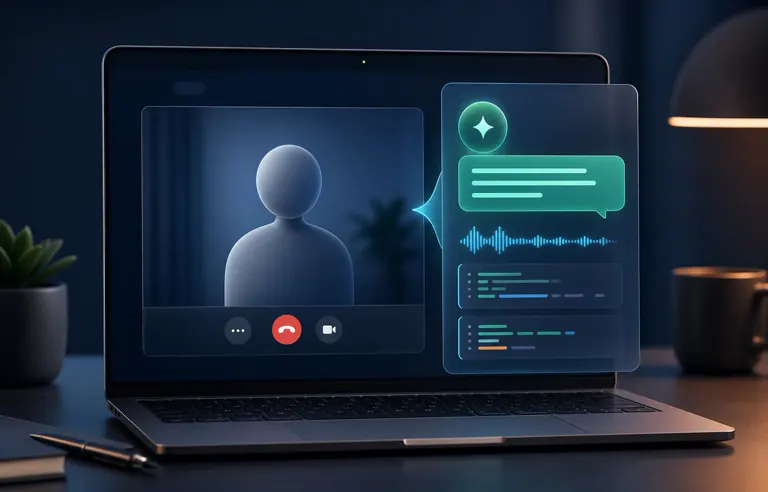
AI assistant with instant hints
Hintsage listens to the question, turns speech into text, and shows the ready answer in chat. Suitable for interviews and work calls.
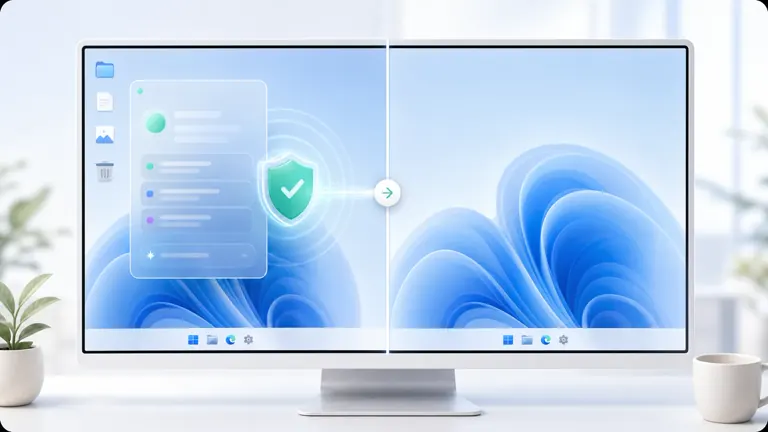
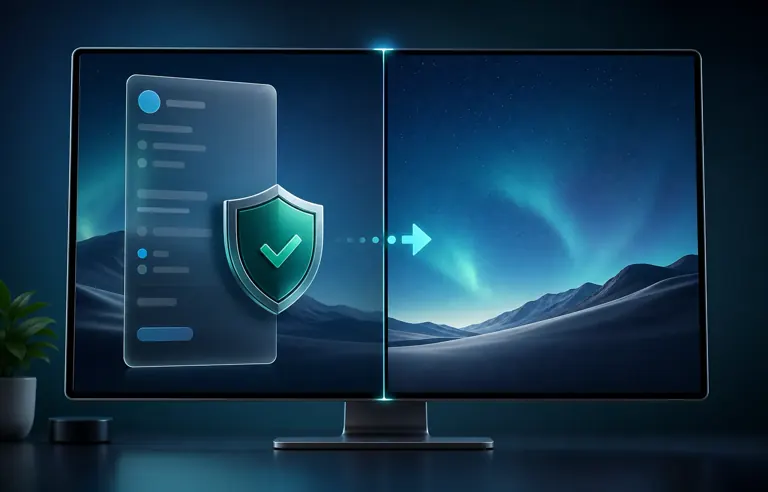
The app is invisible during screen sharing
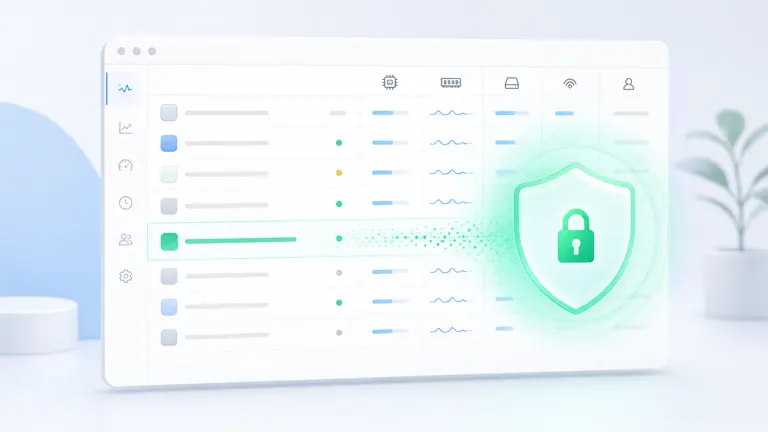
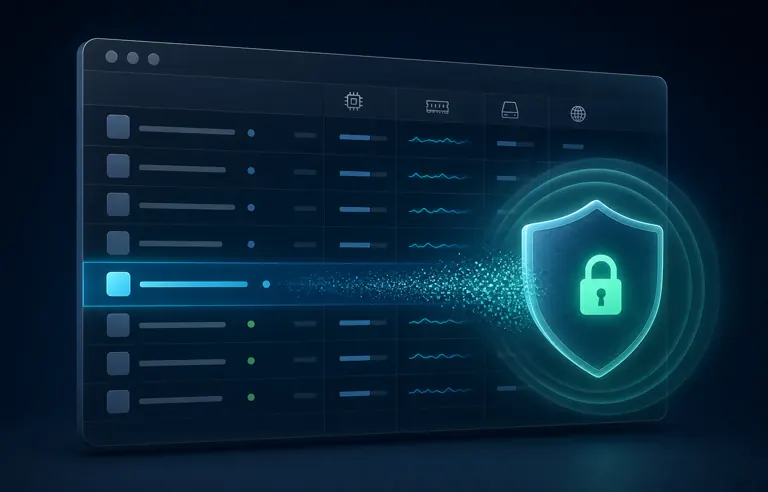
Invisibility in Windows Task Manager
A separate plugin hides the Hintsage process from Task Manager. The option is disabled by default and is enabled in settings.


Protection against keystroke tracking
The app blocks the transfer of hotkeys to the browser for the combinations you use to control Hintsage.
Live coding and screen tasks
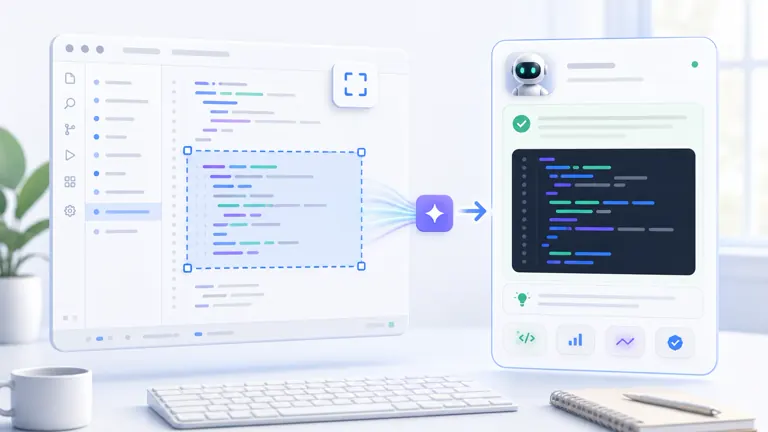
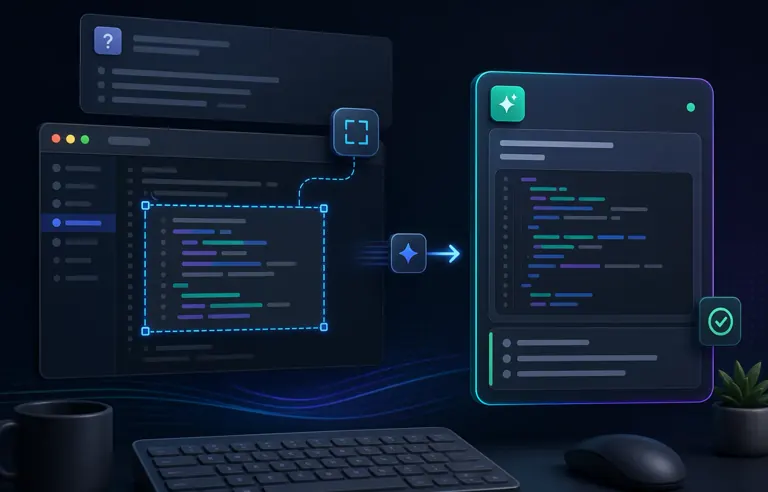
Take a screenshot of a task or select the required screen area with the task. Request a solution or a code review. The program will take into account the conversation context before that.
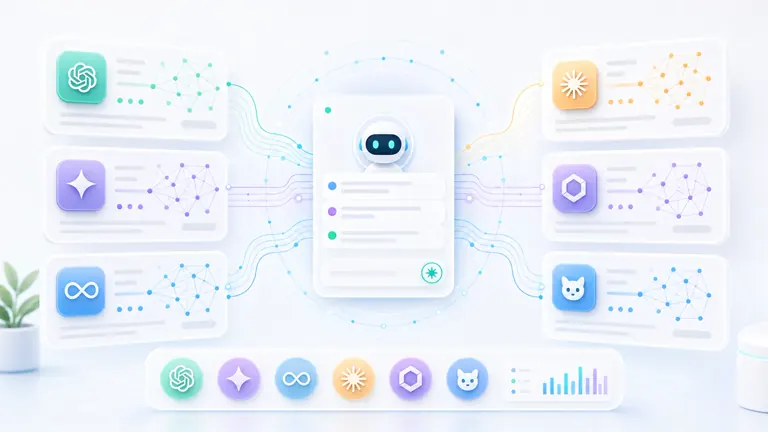
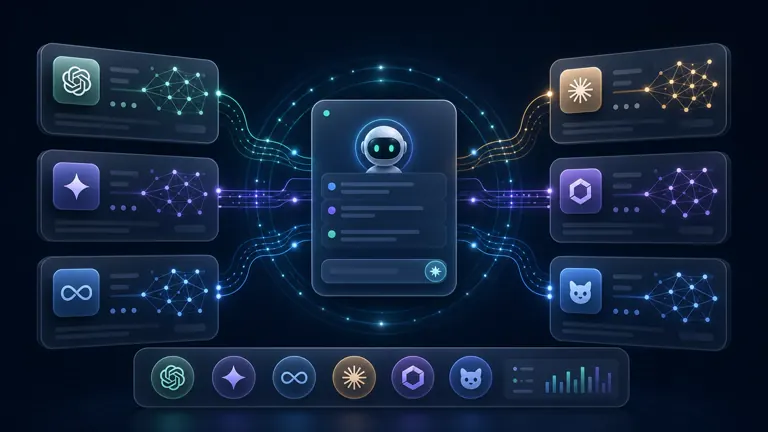
ChatGPT, Claude, Gemini, Grok, and other models
Choose a model for the task: a fast answer for an interview or more thoughtful, but slower, answers.
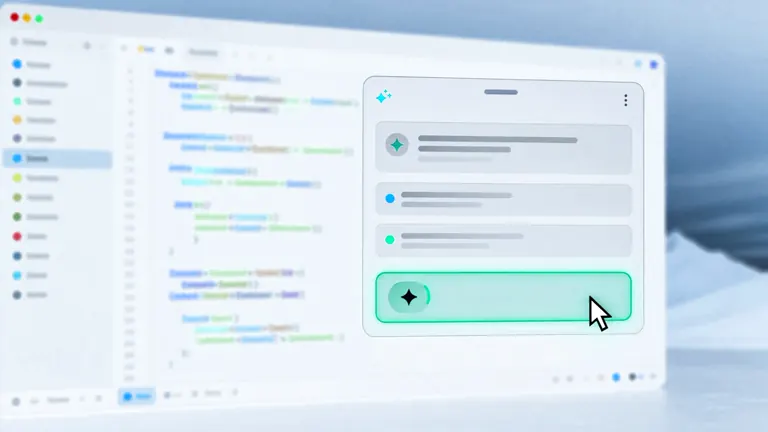
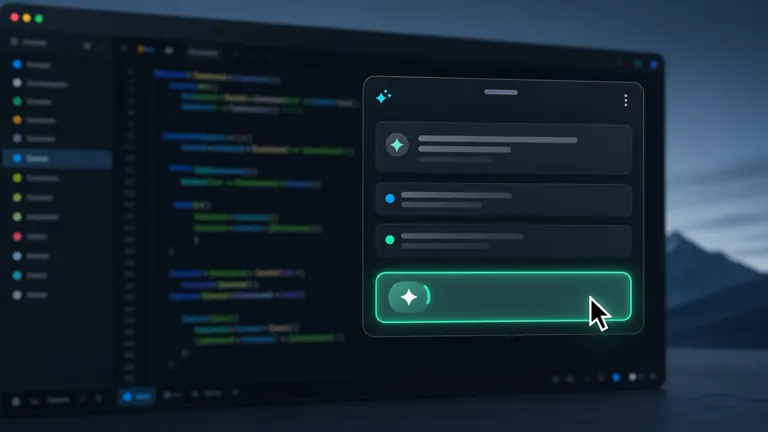
Click by hovering
Buttons can be pressed without a physical mouse click. Useful when it is important not to create extra sounds and movements.
Unique protective features against detection
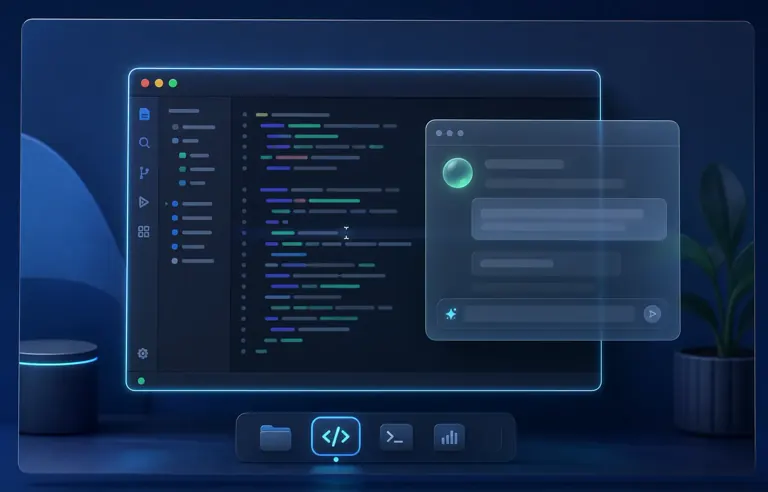
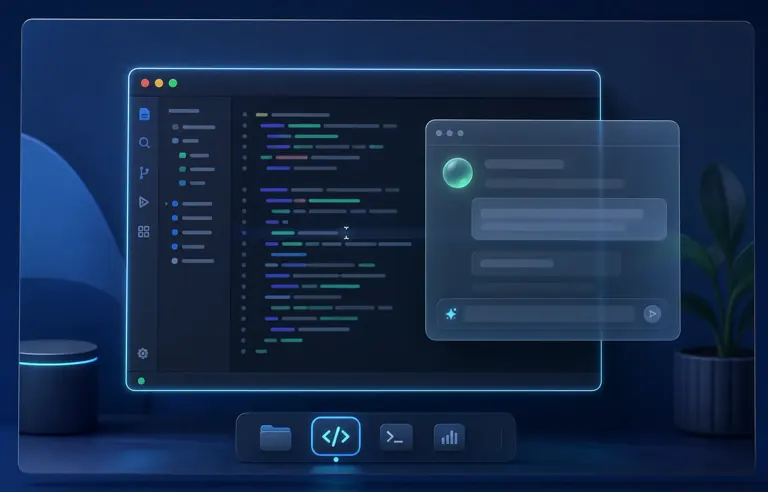
The window does not steal focus
You interact with Hintsage, but the editor, browser, or IDE remains active. During screen sharing, there is no suspicious switching visible.
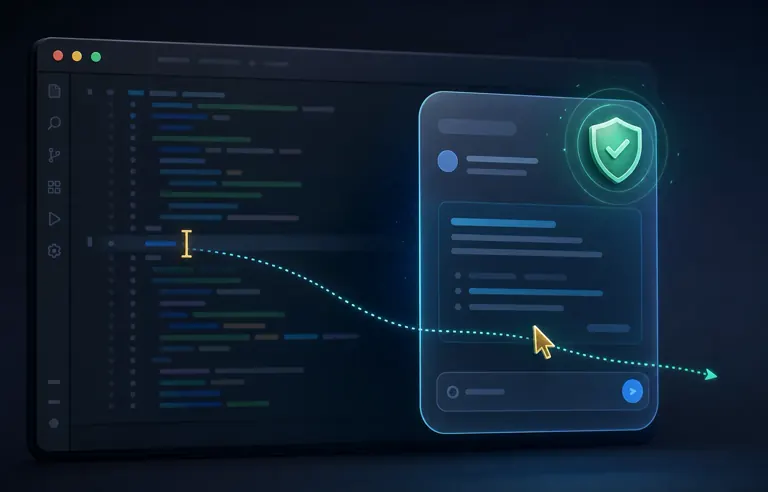
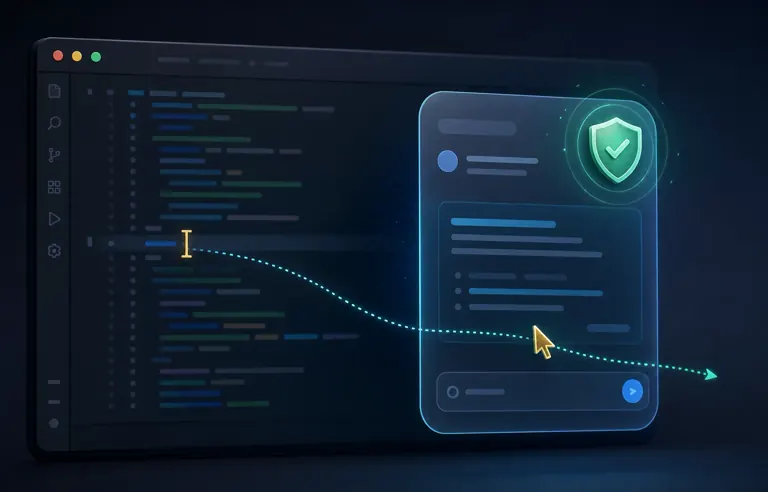
The cursor does not change over the app
When cursor protection is enabled, the pointer looks the same as it does over the working application. This helps not reveal the invisible window.
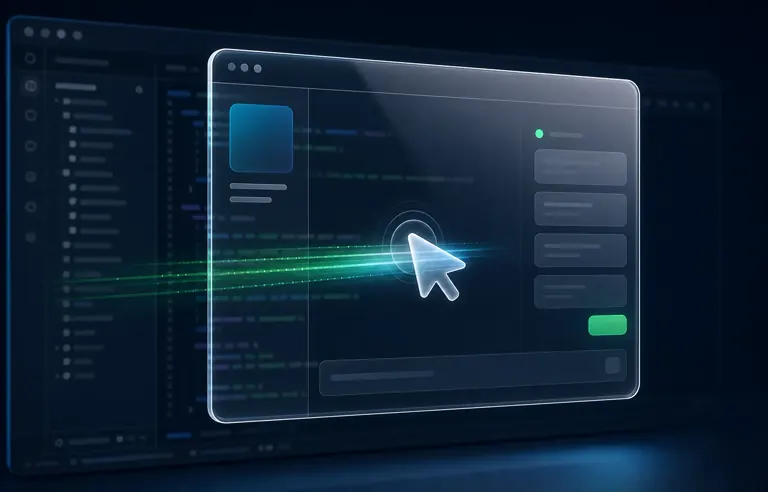
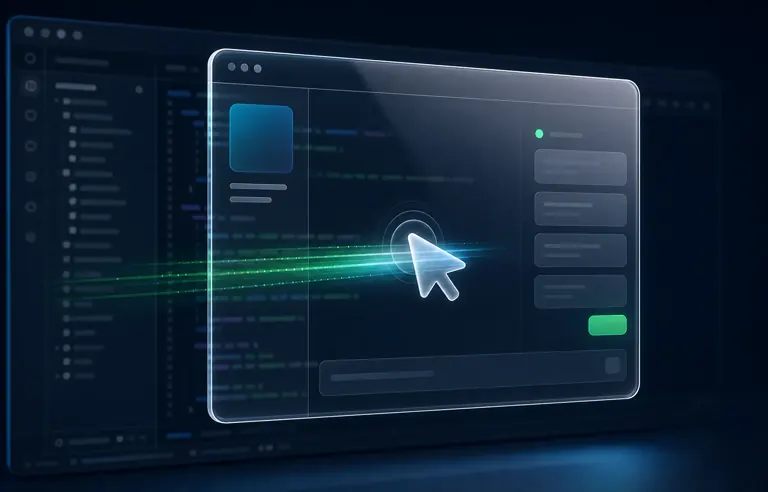
Click-through mode
The window becomes transparent to the mouse: you see the hint, but clicks pass through into the IDE, browser, or editor underneath it.


Virtual cursor
The second cursor controls Hintsage, while the main one stays in place. This lets you hide extra mouse movements during sharing.
Additional useful features
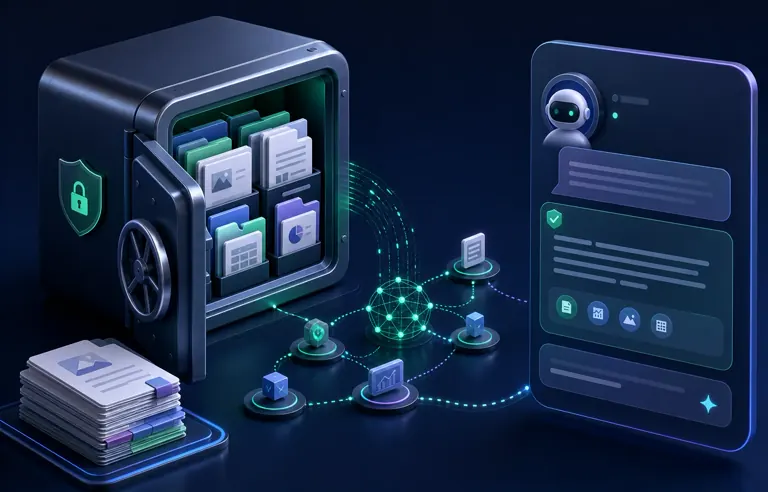
Knowledge base
Upload your document so the AI can rely on it when answering. Convenient for internal materials, regulations, and prepared notes.

Foreign interviews
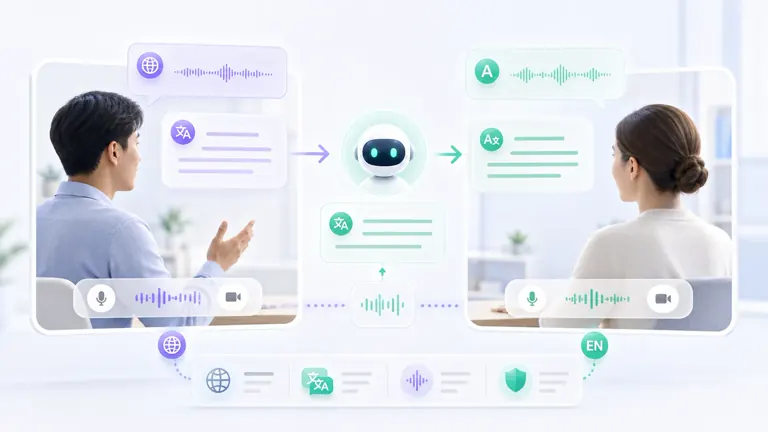
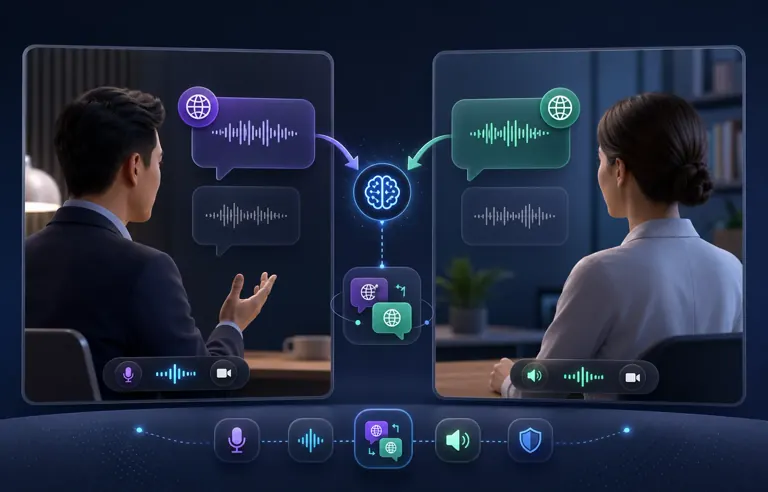
In the template, you can enable question translation, answer translation, and translation of recognized speech by pause, timer, or button.
Teleprompter
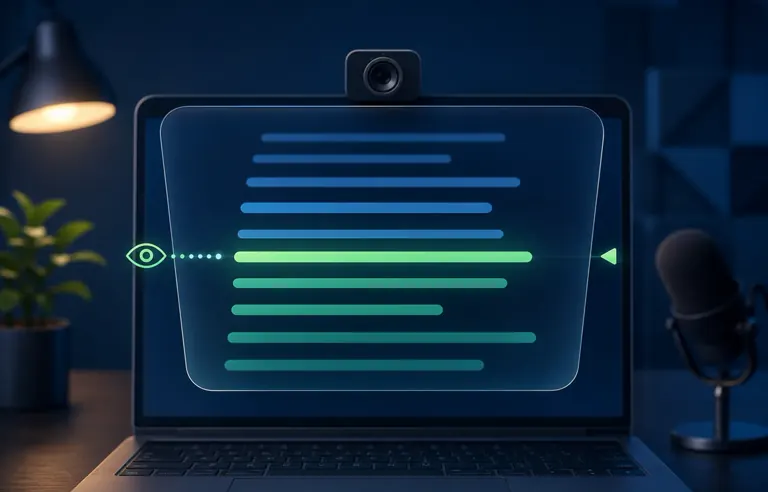
A mini window smoothly scrolls the answer from bottom to top so you can read the hint closer to the camera and move your eyes less.

Post-interview analysis
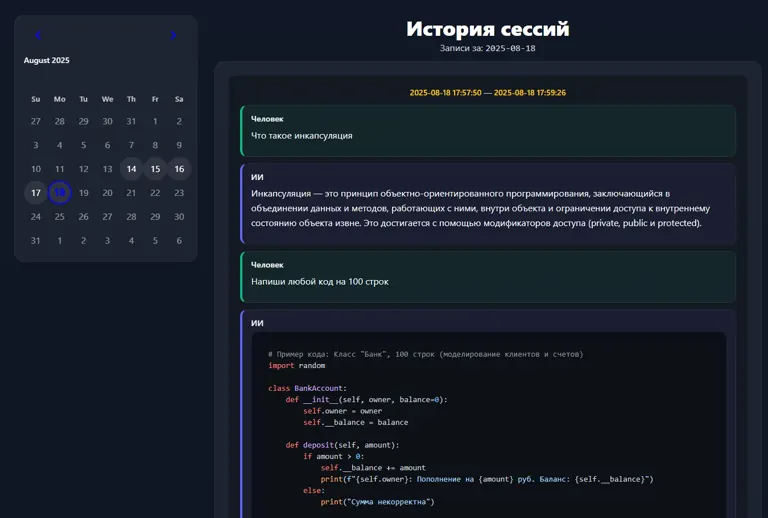
After the interview, you can open the history, generate statistics, get feedback about the meeting, and receive AI comments on your answers.
What users say
Hello! I wanted to thank you. Your service helped me get through tough interview stages. Compared to others, yours just feels more convenient — or maybe I got used to it. Anyway, thanks — I got an offer and wanted to say so! I recommend you to everyone I know!
James, backend developer
Pricing
Free after registration
1 days
Includes:
Audio: 30 minutes
Shots: 10
$30 USD
1 month
Unused units expire after the subscription ends. When you buy a new subscription before the current one expires, units are transferred to the new subscription.
FAQ
Is the app invisible during screen sharing?
Windows: Yes. In all apps and messengers.
macOS: With a 99% probability in browsers based on the Chromium engine (Chrome, Edge, etc.). In other cases, checking in the required messenger is recommended.
Can I choose the AI model I need?
Does the app solve tasks from the screen?
Can mouse movements be hidden?
I need maximum app stealth
This application contains the maximum set of capabilities for stealth:
Invisibility during screen sharing, on video, and in screenshots.
Protection against hotkey interception from the browser.
Invisibility in Task Manager is a unique feature: you do not need to disguise the app, it simply will not be visible in the list of running applications. Therefore, its network activity also cannot be tracked in Task Manager.
I need people in the interview not to guess from behavioral factors that I am using the program
Will the app work if I have an interview in a foreign language?
I have another question.
Download Hintsage
Windows
Installer, portable version, and process hiding plugin
Mac
Choose a build for your processor, macOS 13+